Authentication
You need to create a private application inside your idibu account to generate the ID and Secret keys that will enable you to generate the iframe.
- Inside your idibu account, navigate to https://v3.idibu.com/c/developer.
- Click the “Create an application” button.
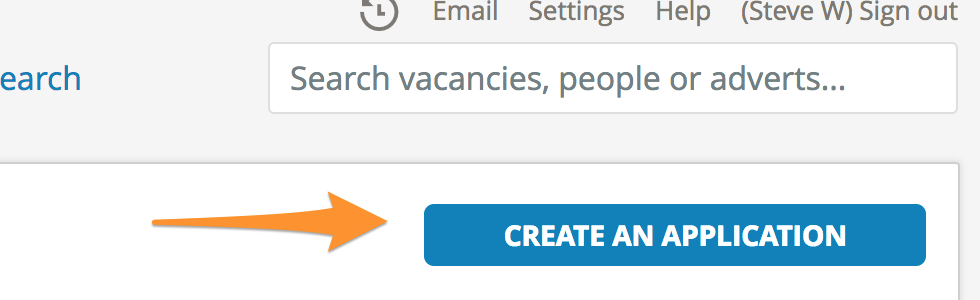
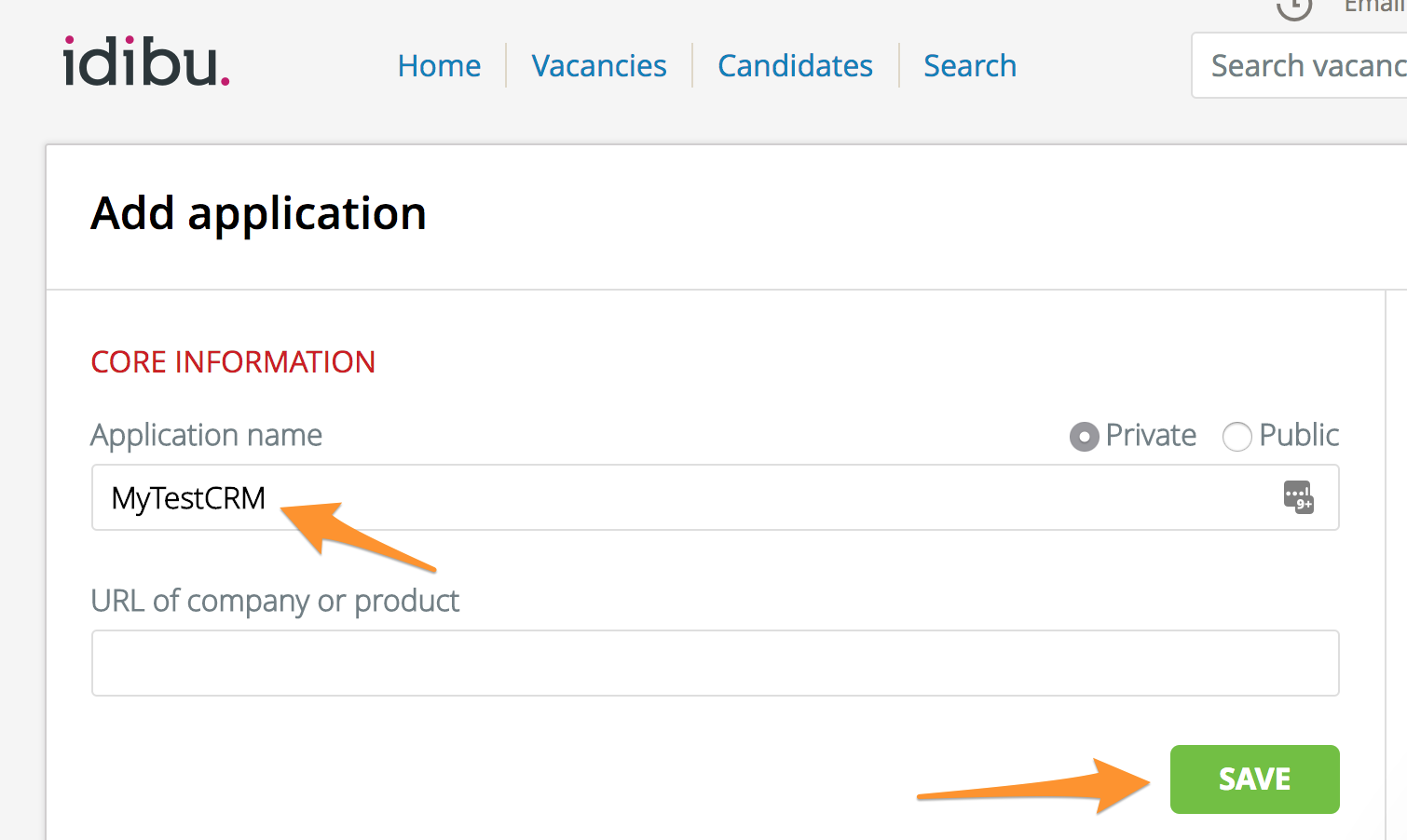
- Add a name for your application and click "Save".
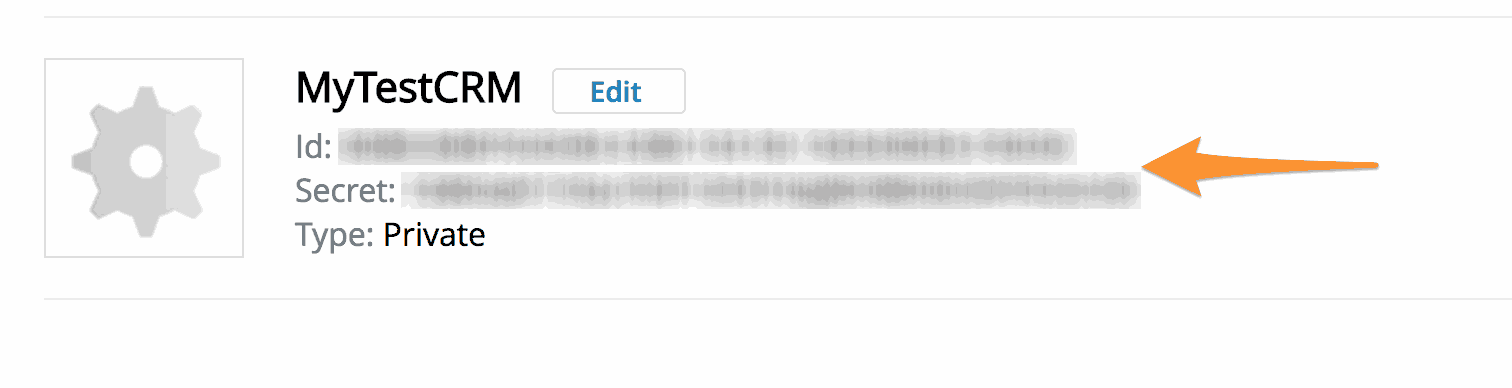
- Navigate back to https://v3.idibu.com/c/developer/.
- Copy the ID and SECRET of your application.
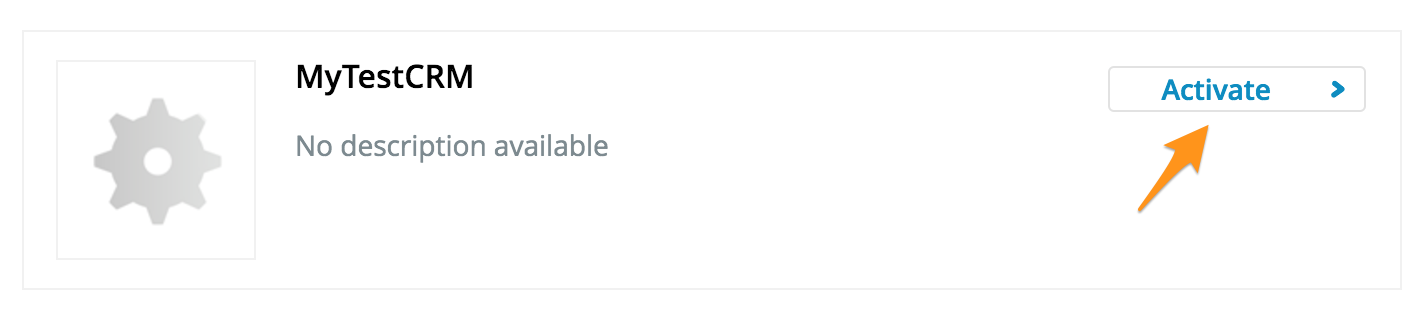
- Navigate to https://v3.idibu.com/c/applications/manage and enable the plugin you just created.
 You are ready to start loading the iframe!